 |
E-XD++ Enterprise Edition -- Product Information
|
|
|
|
14. Multiple Pages Toolbox
Composite Symbols are
"ready-to-use" shapes. They are either shapes whose look and
feel have been customized to resemble a custom domain entity, or
a combination of shapes created to achieve the same effect. You
will often see yourself creating custom symbols to match your
domain specifications.
Symbols thus created can also
be loaded into the "ToolBox window" from which your end-users
can drag and drop into a Diagram in a ShapeDesigner application.
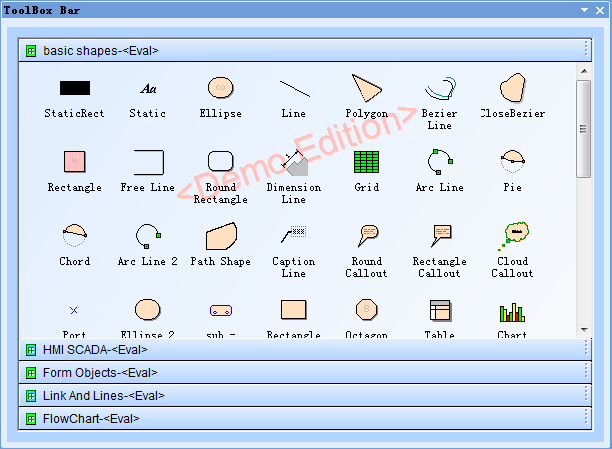
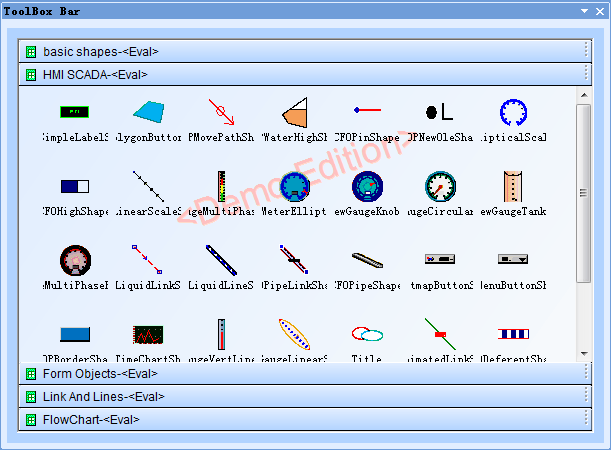
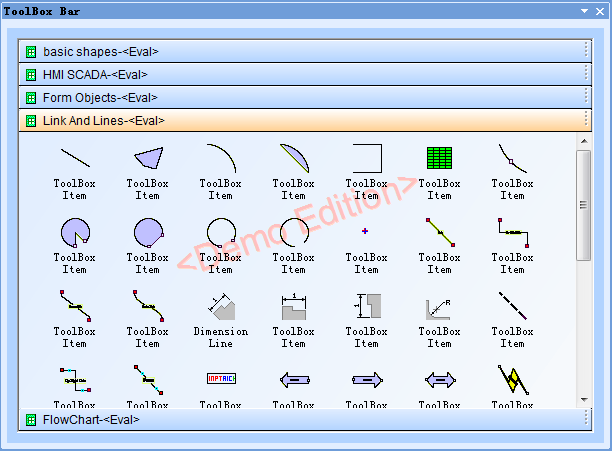
There is a toolbox in E-XD++. You can put any shapes or related data in this
toolbox.
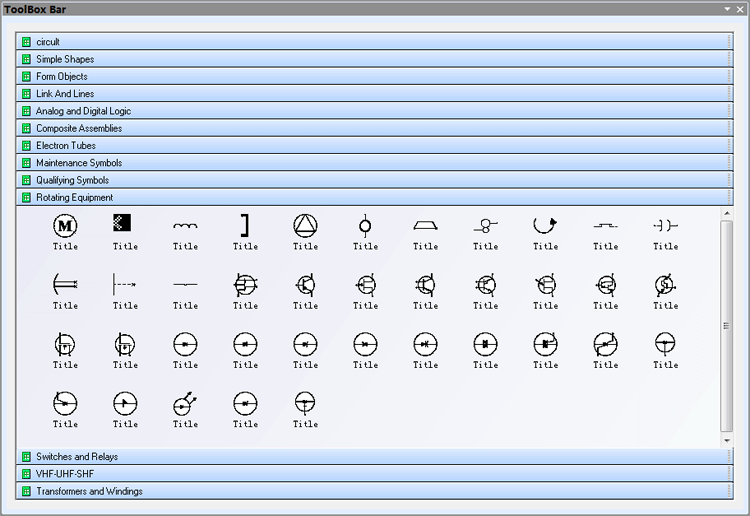
By default, this toolbox contains two kinds of components: basic shapes and
complex shapes. All these shapes can be customized. You can also add or delete shapes from this
toolbox if necessary, it also supports importing
any SVG XML File as shape, as shown below:
 1.
Show simple shapes: 1.
Show simple shapes:
2.
Show complex shapes:
3.
Create a new class based on toolbox class, and then create a new
customized toolbox. This is a general way used by many applications. The following
toolbox shows an image file from a specified folder:
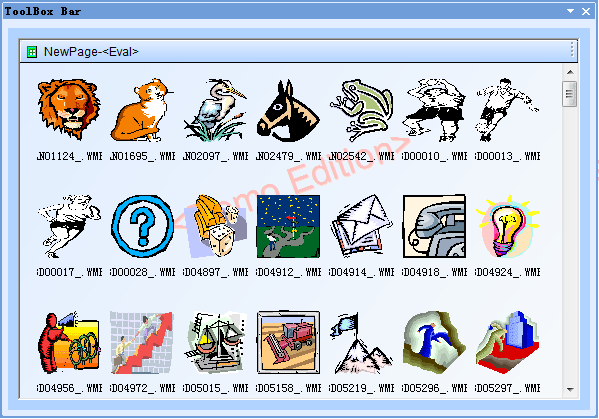
The toolbox is extreamly flexiable since
C++ is high flexiable and high extenable. For each item, you can customize its size, its content, and its view mode using the
toolbox.
|






 E-XD++Visual
C++/ MFC Products
E-XD++Visual
C++/ MFC Products 



