--
Professional Flow Diagramming VC++ Source Code Solution
| Product Information:
"The
only Flow/Diagramming Kits that provides full
source code of components for MFC and ActiveX
in a single package!"
|
XD++ MFC Library
Professional Edition!
Every Visual C++ Developer "Must
Own" Souce Kit!
it includes the following features:
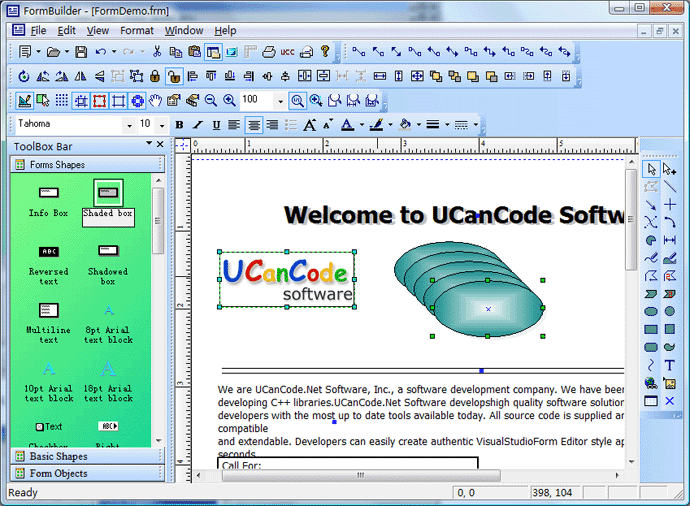
1.Mostly advance Office 2003 GUI
look!
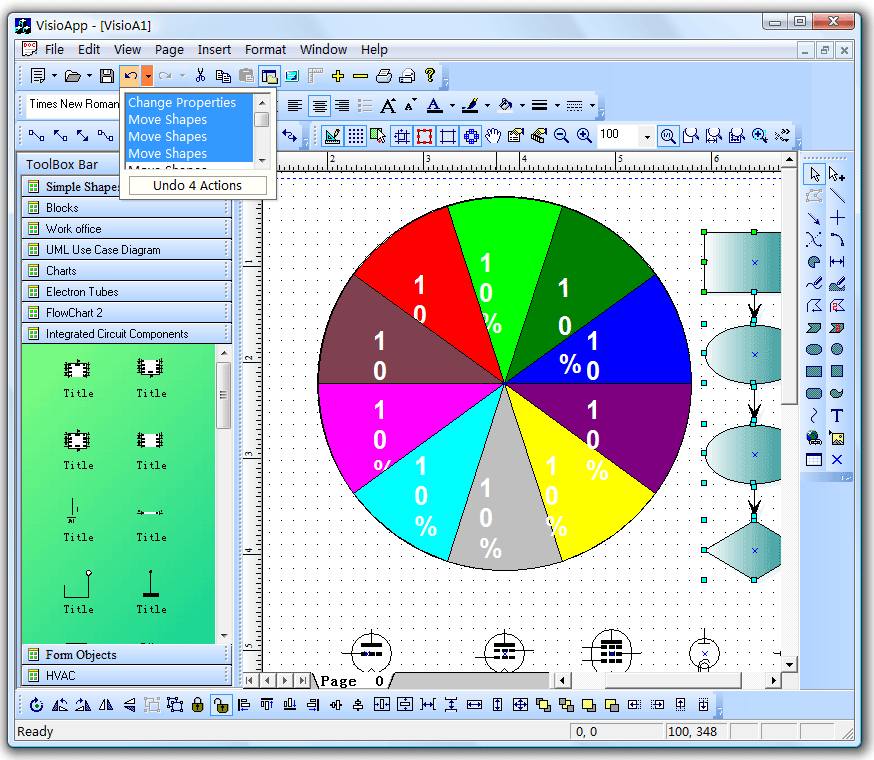
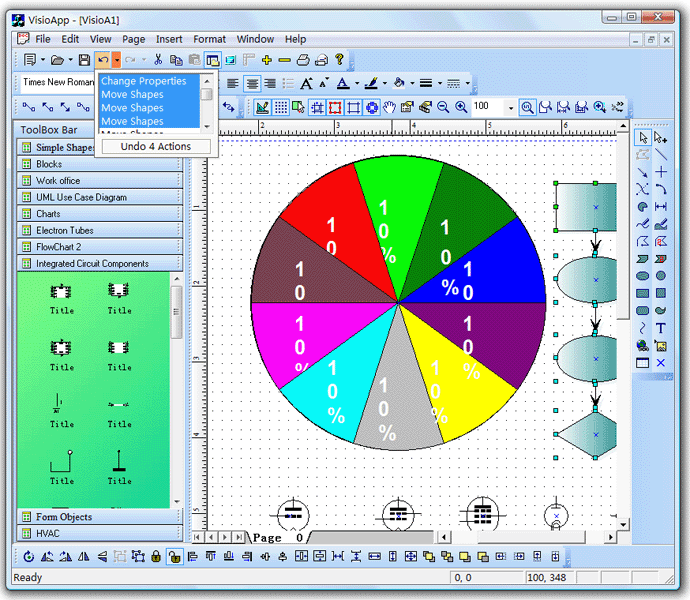
2.Drop down UNDO/REDO
picker, like Microsoft office!
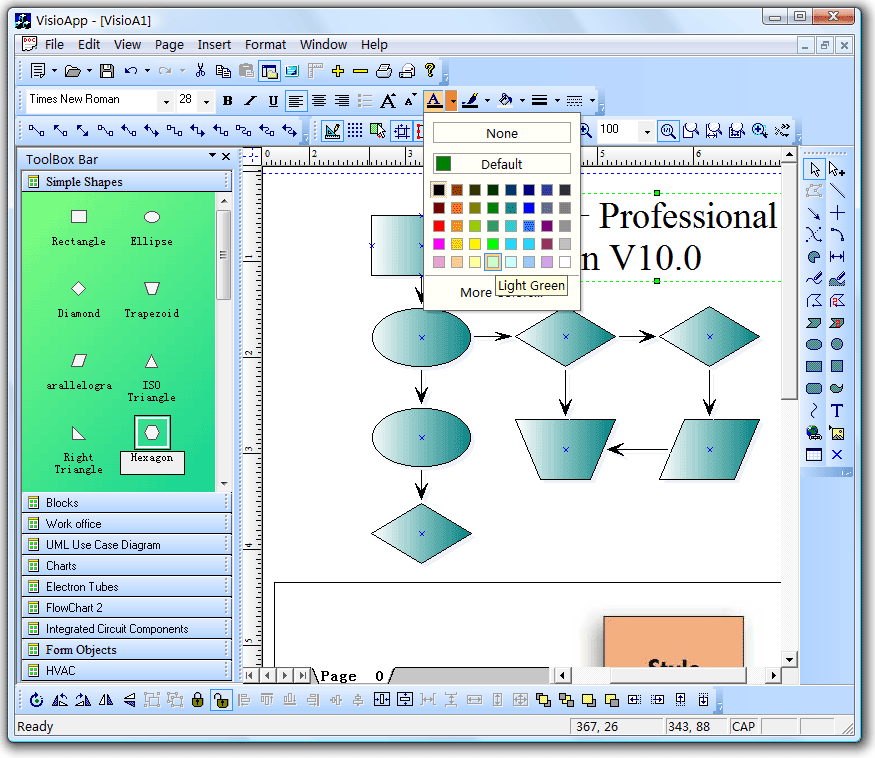
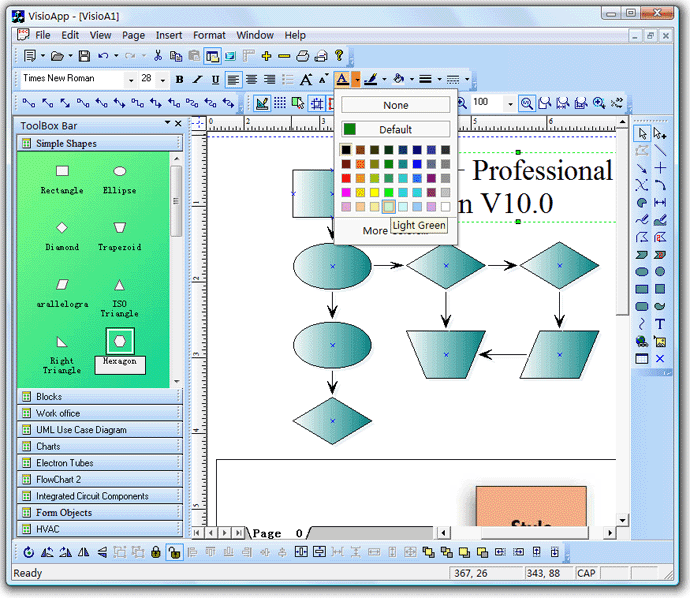
3.Drop down Color Picker, Drop down
Line Picker and other drop down picker, with the full version of XD++, you
can create your own drop picker.
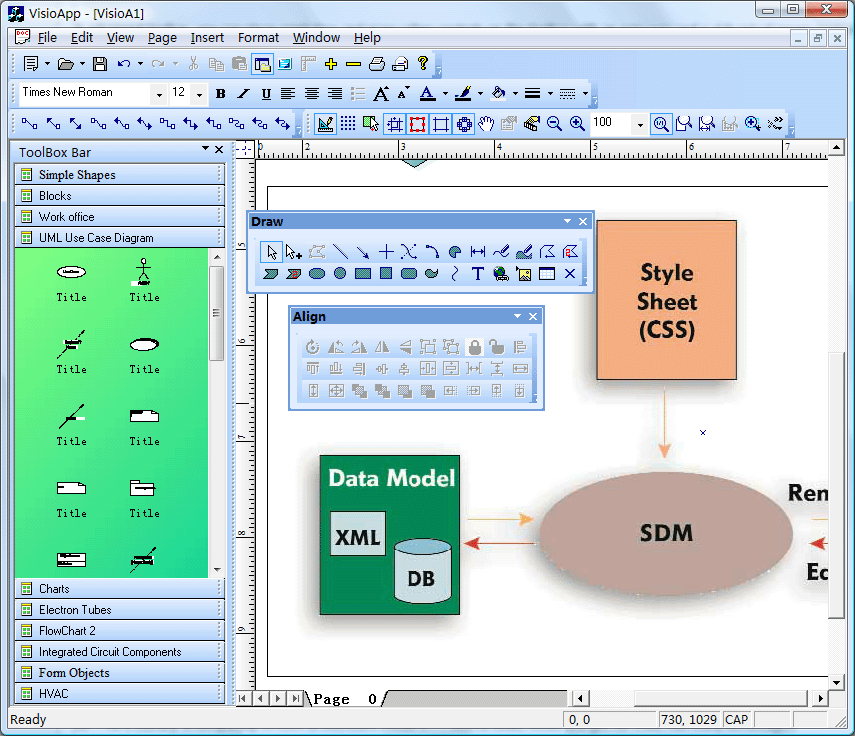
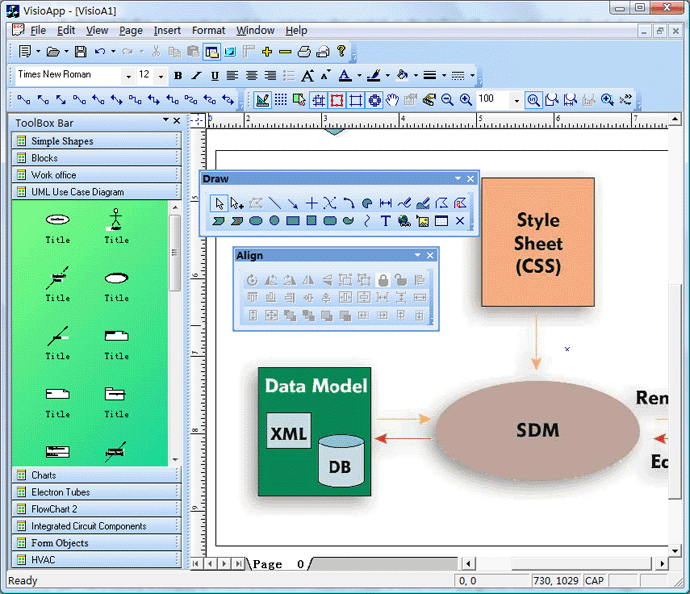
4.Advanced toolbar, you can place
combobox and many other controls on the toolbar with an easy way and a
rich set of power controlbar.
Below is the full features about XD++
MFC Professional Edition
 Full
source code
Full
source code
XD++ MFC Library is completely written in Microsoft Visual C++. Source
code, which you get for free, has many advantages:
You can further develop the product;
Complete control of the product's programming quality;
Flowcharting
This functionality enables XD++ MFC Library to become a powerful flow charting
tool. The link object is a special object that has the sole purpose of
connecting shapes together. Since it is a real shape, you can set
properties for it:
- Arrowheads, style and size;
Line color, thickness and style;
Shape name, for easier identification.
Object
links in flowcharting:
- Rectilinear and direct object links;
Ability to edit nodes and links through source code;
Object avoidance: auto-routing algorithm routes the connecting line
around other objects;
Adjusting the position of the first and the last point of a link.
Vector
drawing
XD++ MFC Pro comes with a set of predefined shapes, such as: Arcs; Dimension
line; Rectangle; Curve; Ellipse; Line; Freeform polygons; Text; Diamond;
Triangle; Right triangle; Parallelogram; Trapezoid; Hexagon; Octagon; Plus
sign; Star; Pentagon; Left arrow; Scribble; Etc.
You can subject shapes
to:
Grouping/Ungrouping;
Moving;
Rotating;
Flipping;
Reversing, etc.
Hyperlinking
Simply add hyperlinks to each shape and drawing page. Through a hyperlink
you can jump to another XD++ MFC Pro drawing, another file (.DOC, .XLS, etc.),
or your Web site for example!
Raster
imaging tools
Several raster imaging tools are @ your disposal:
- Filling shapes with patterns, textures, pictures and with all
standard colors;
Text
editing
XD++ MFC Pro has a variety of text manipulating devices:
- Plain text: This device is convenient when drawing titles, logos, or
other short text you want to manipulate, i.e. stretch, flip,
custom-fill, etc.;
Text boxes: This device is suitable for manipulating large blocks of
formatted text;
Displaying and editing text in composite shape;
Object
model
The object model of XD++ MFC Pro is improved and therefore far more logical and
intuitive. It allows you to manipulate shapes and events quickly and
easily.
Workspace
display
A variety of properties are available to set the way you want the drawing
workspace to be displayed with:
Grid;
Paper background;
Scroll bars;
Printing
Several useful printing options are @ your disposal:
- XD++ MFC Pro prints the whole drawing on canvas and auto split pages;
Specifies print settings such as margins, orientation, paper size,
etc.;
Complete control of printing, Print Preview and
Printer Setup dialog
box.
Other
features
- Unlimited Undo-Redo capability;
Zooming;
Panning;
Rotating
Dynamic re-ordering and object grouping;
4 C++ and VB sample projects with complete source code.
Compatibility
XD++ MFC Pro is compatible with a wide range of development languages and
platforms, including:
MS Visual C++;
MS FoxPro for Windows;
Borland C++ Builder;
Borland Delphi;
Any other 32-bit programming environments that support ActiveX
components.
Trial
Software

• XD++ MFC Library Professionl
Edition Component (20 Mb)
Try EVERY feature before you purchase it
In the download section you can find the trial version of
XD++ MFC Pro.
All our research show that a fully-functional demo is a decisive element
for most of developers. So check for yourself if XD++ MFC Pro is what you were
looking for. The only difference between the trial and release version is
the presence of nag screens.
Licensing
XD++ MFC Pro Component is licensed per number of
developers' machines i.e. one software license is required per
developer's machine.
All XD++ MFC Pro Components are royalty-free which means
re-distribution with your application does not require any additional
fees.

Learn more about
UCanCode ActiveX Control by click
here!
More about Product Information:
Commands
Properties
Dialog
View
Arrows
Windows
General
Q & A
|
|






 E-XD++Visual
C++/ MFC Products
E-XD++Visual
C++/ MFC Products