![]() |
||
|
[ First | Prev | Next | Last ]
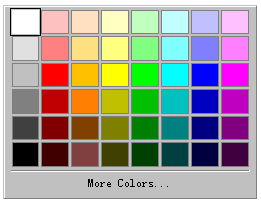
Windows XD++ provides several Windows and control classes for performing common user interface activities. They are applicable to most applications developed with XD++. To add any of these Windows to your application, you need to add a menu item or button with the appropriate command ID to your application. The base controller class already has message handlers that open these windows for you. Examples (With 100% VC++ Source Code, Visual Studio .NET 2005) 1.Ruler Control, Ruler Bar It shows the horizontal scale. 2.Color Picker. This is a class derived from
CWnd. It
shows a color select window.
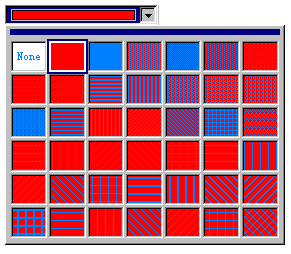
3. Drop Pattern Picker:
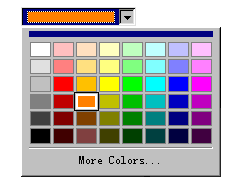
4.Drop Color Picker:
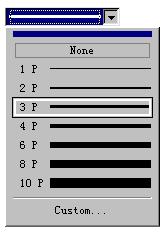
5.Drop Line Width Picker:
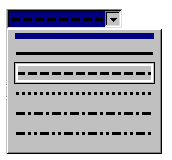
6.Drop Line Type Picker:
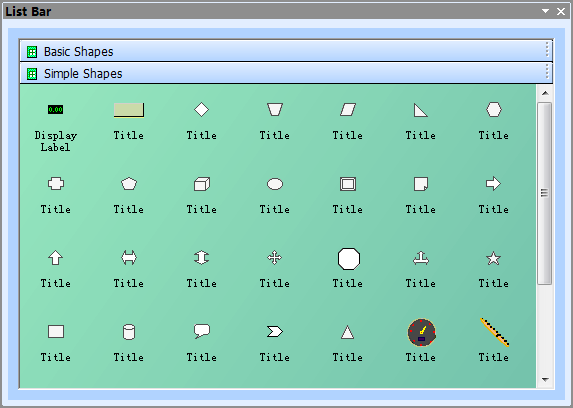
7.Visio likeToolBox Wnd:
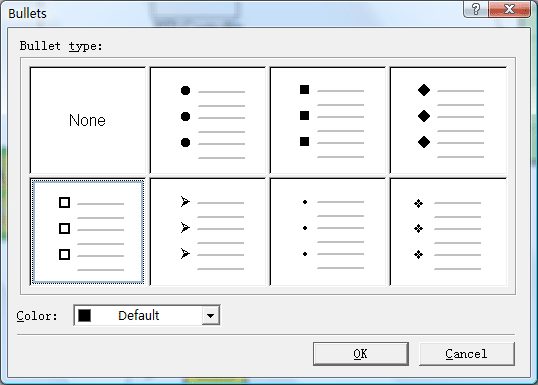
8.Bullets window new!
To get more information, please refer to our User's Manual. [ First | Prev | Next | Last ]
|
|
Copyright ?1998-2009 UCanCode.Net Software, all rights reserved.
Other product and company names herein may be the trademarks of their respective owners.
Please direct your questions or comments to webmaster@ucancode.com