E-XD++ Graph Layout
Component Source Code Solution for C / C++, .NET, Web 2025

Product Tour
E-XD++ and UCCDraw product walkthrough
Screenshots
Applications built on E-XD++
ToolKit
Product feature comparison
The UCanCode E-XD++
Component Enterprise Edition product family enables you to develop
graph visualization applications quickly and efficiently. With
these products, you can easily enhance your applications with
sophisticated graph display, viewing and editing
technologies presented in an eye-catching, intuitive graphical user
interface. You can customize both the display and the interactive
behaviors of your application using industry standard components,
such as toolbars, menus and mouse-event handling.
Graph Layout Diagrams are a
natural and intuitive way of expressing relationships in your
application data. E-XD++ Components make it easy to add
expressive, interactive graph drawing, layout, printing, features to your application.
UCanCode's E-XD++ Diagram Component is the most comprehensive set
of tools, components and libraries for creating graphical
editing, visualization, supervision and monitoring tools for the VC++ /
.NET platform. Both diagrams—displays used to show the relationships
between objects and graph drawing and layout can be easily created.
 Download Prebuild Eval Kit of
Graph layout Sample
Download Prebuild Eval Kit of
Graph layout Sample
E-XD++ Enterprise Edition
Suite is a 100% C++ based diagram Component, it's Graph layout Diagram
Solution contains almost all the features of building a high-quality
graph visual
Application.
With E-XD++
Enterprise Edition Suite, it has almost all the features of Microsoft'
Visio on Graph Drawing, Layout, Printing Part:
-
Over 20 kinds of links
that will help you create any kind of graph layout Links quickly and
easily.
-
Over 30 kinds of arrows,
by override a few virtual methods, you can create any kind of new arrow
styles.
-
With shapedesigner
application, you can use over 100 kinds of basic shapes to create very
complex graph Diagram Shapes.
-
The size of canvas can be
created freely.
-
Advanced print and print
preview supports, you don't need take any time on print and print
preview.
-
Export to bitmap file or
jpeg file supports.
-
Create new class shape by
open a .H source code file.
-
Panning and zooming.
-
Full tested on all windows
platform includes windows vista.
XML Loading and Saving
SVG Importing and Exporting.
Auto CAD DXF Importing and Exporting.
ArcGIS Map file (Shape file) Importing.
More than 1,000 printer drivers.
Compatible with All Visual Studios (From Visual Studio 6.0 to Visual
Studio 2025).
Support all Windows (32 bits, 64 bits).
Ships with full documents
and 100% source codes.
All
the vc++ source codes of the following screen
shots will be shipped with full edition of E-XD++ Enterprise Edition Suite:
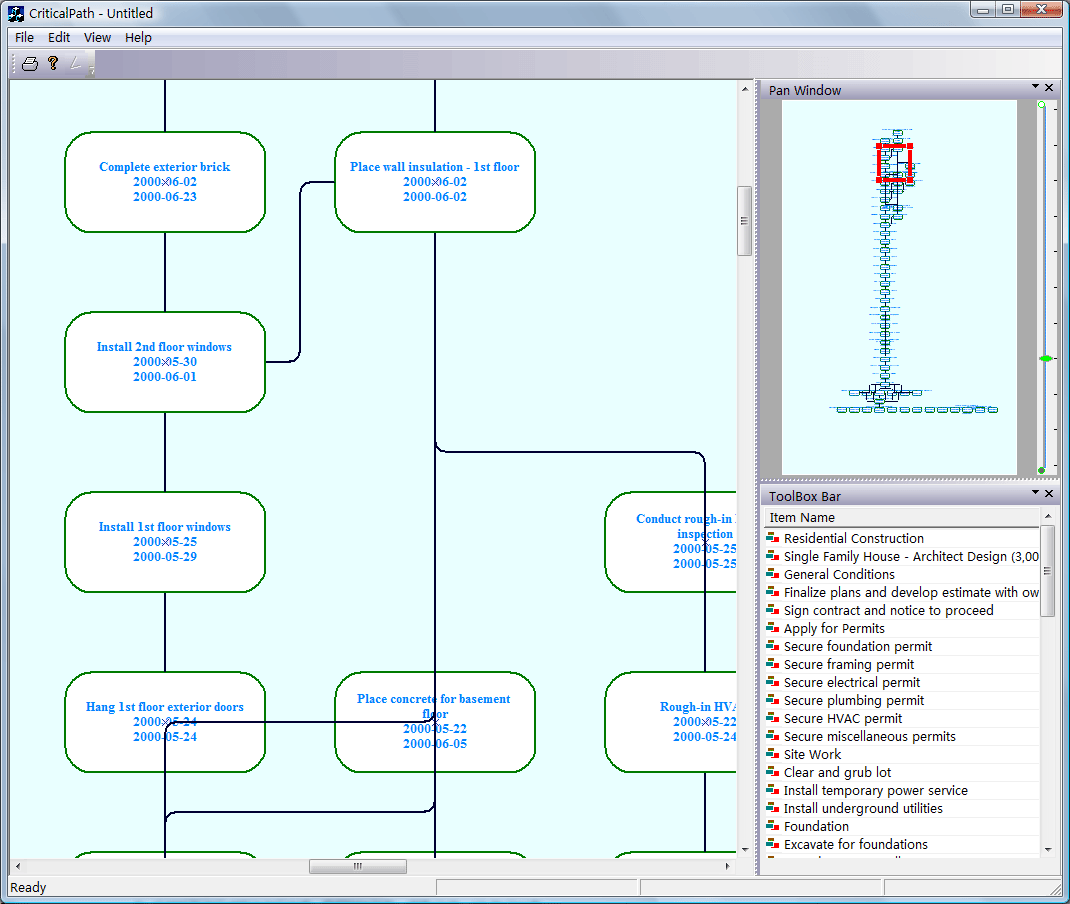
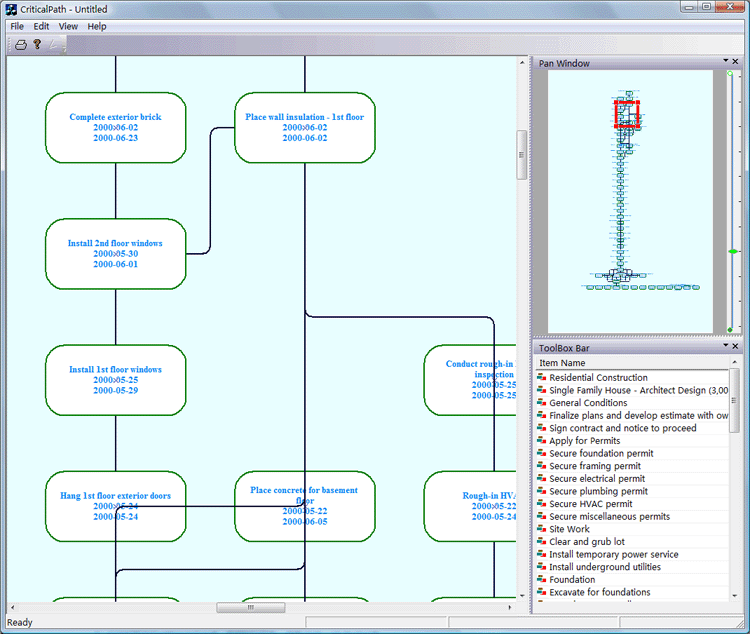
This sample is demos how to loading
Microsoft Project XML files. It displays a Microsoft Project
Schedule as a graph, the nodes of the graph are the tucancode.nets
of the project and the links the predecessor constraints between tucancode.net.
The resulting graph is layouted by a layer Layout. The
graph shows the critical tucancode.nets as red tucancode.nets so that it is easy to follow
the critical path. It also demos the following features:
1. Change the size of canvas.
2. Loading data from XML File.
3. Create link relationship between graph
nodes.
4. Layer - layout the graph
nodes.
5. Create slider on panning window.
6. Mouse wheel + Ctrl to smooth zooming
in and zooming out like Visio.
7. Click item to select graph node.
8. Printing and preview.
... ...
Here is a screen shot of the sample:
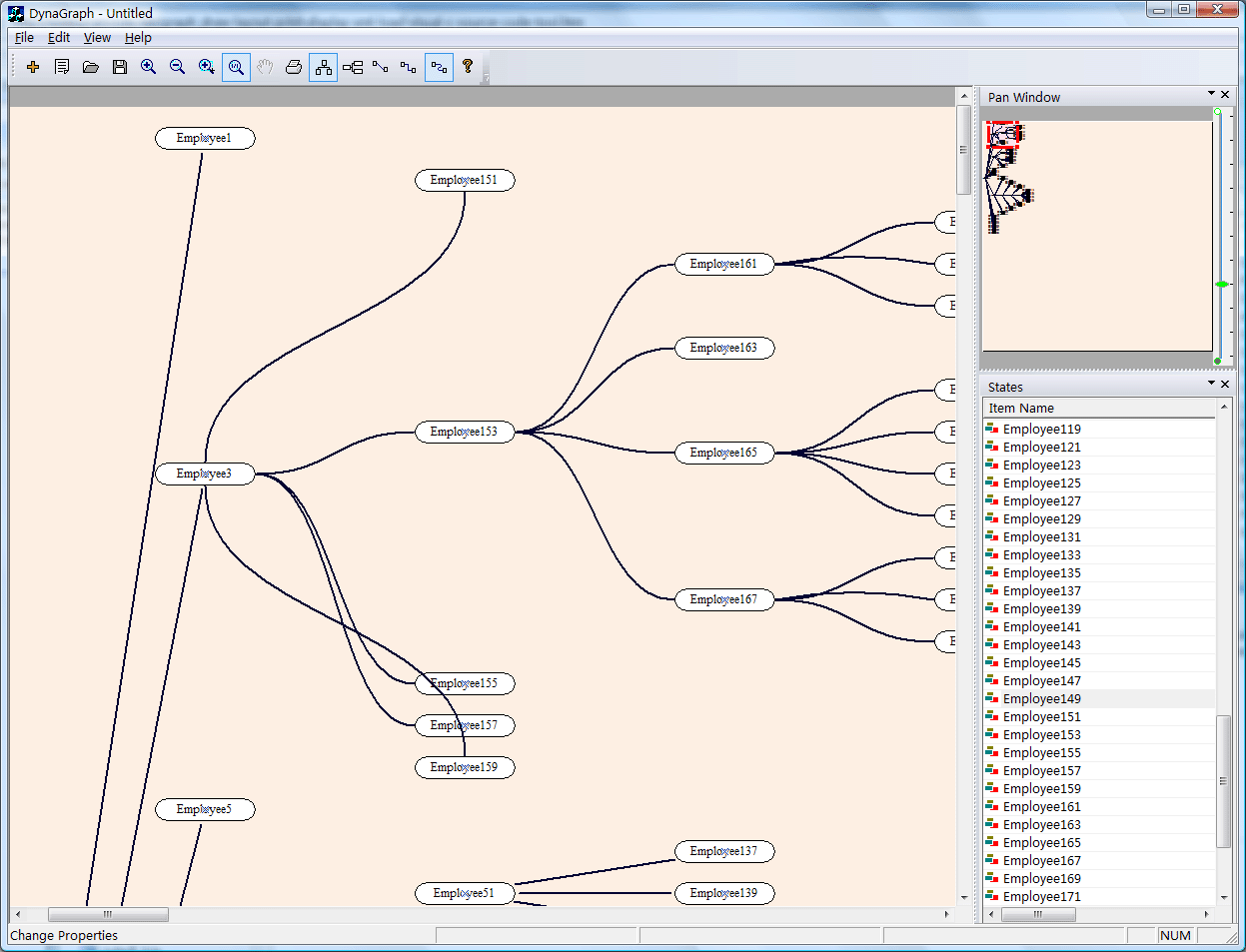
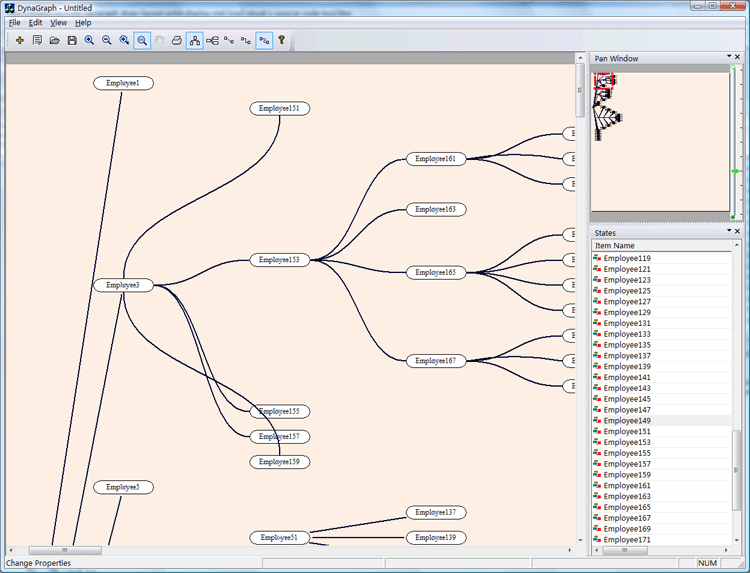
UCanCode E-XD++ is also the best source
code component for adding any kind of organization chart diagram
drawing feature to your own application, it was designed specifically to
help you create diagrams for human
resources management, staff organization, office administration, and
management structures. It will help you visualize and structure information,
add illustrations and drawings to your documents and make all this
fast and easy, currently, it supports horizontal and vertical tree layout,
layer layout..., it is full written with VC++ Source Codes.
|
Through its Java, .NET and C++, and Flex/AIR
graphics libraries and components,
UCanCode provides the industry’s
most comprehensive set of graphics tools for creating sophisticated,
interactive user displays. UCanCode's graphics products enhance decision-making
speed and ability by making vast quantities of complex data more comprehensible
and manageable for users. Developers save 50 to 80 percent of development time
when creating displays with UCanCode Visualization.
Download Prebuild Eval Kit of
Graph layout Sample
The leader in visualization component -- FULL VC++
Source Code Shipped!
XD++ Diagrammer Suite is the the world’s
leading VC++ and .NET visualization component. Renowned for incredibly rich
graphics, XD++ helps thousands developers build applications that offer
unparalleled functionality. Outstanding productivity lowers project risk and
reduces maintenance headaches. With 20 years of dedicated research and
development, UCanCode leads the market for visualization technologies, providing
outstanding customer support.
Powerful, flexible, and
easy to use Diagram Components.
Powerful and flexible enough to create diagrams exactly the way you want
them to appear. So easy to use that you will be able to prototype your
application in just a few minutes.
Feature rich.
With features such as automatic layout, multiple layers, collapsible
sub-graphs, snap-to connection points, XML, SVG, and more, E-XD++ Have the
power and flexibility you need to create sophisticated diagrams, quickly and
easily. Events such as click, double-click, hover, select, rubber-band
select, copy, delete, resize and move are supported. Operations such as
drag-and-drop, unlimited undo/redo, and clipboard operations are common and
complex, and are expected by today's sophisticated users. it full supports
importing ArcGis, SVG and DXF File format.
Performance and
Scalability.
UCanCode E-XD++ Capable of handling many thousands of nodes and edges, up to
hundreds of thousands depending upon the complexity of the nodes you wish to
draw and the operations you wish to allow. Our graphical classes are
extremely lightweight objects enabling outstanding performance.
Save Time and Money and gain Reliability.
A diagram is worth 1,000 words, and E-XD++ is shipped with more than 500,000 lines of well designed and well tested code! It is used by hundreds of the world's most quality conscious companies. It will saves you thousands of hours of complex coding and years of maintenance.
The
VC++ source codes of this sample is shipped with E-XD++
Library Enterprise Edition,
order it now.

Contact UCanCode Software
To buy the source code or learn more about with:
Next-->
UCanCode Home & Office
Plan Drawing and Design solution
from UCanCode
-- Full VC++ Source Codes
|
|






 E-XD++Visual
C++/ MFC Products
E-XD++Visual
C++/ MFC Products