 |
E-XD++ Enterprise Edition -- Product Information
|
|
|
|
5. Flexible Application Style
1).
Application styles:
You can customize your application style very flexiblely by using E-XD++, especially in the following aspects:
 1. You can put
E-XD++'s multifunctional canvas to any place, such as views for
single-document or multi-document application. 1. You can put
E-XD++'s multifunctional canvas to any place, such as views for
single-document or multi-document application.
2.
You can put
E-XD++'s canvas to any dialog box or other windows. The following figure shows an application completely based on dialog box:

3.
E-XD++ supports single tab or multiple tabs in a single document. Single tab application contains one canvas only, while
multiple-tab application could contain several canvases where each tab associates with one canvas.
Here are two classic styles for webpage management system:

(Adobe Acrobat Reader Style)

(Microsoft Visio Style)
These are just some possible application styles. Actually E-XD++ split the appearance from the functionality. You can organize your system in your own way. For example, you can put the tab-switch button/menu on the toolbar or in the menu, or some other place.
In sample "EFormReader", the canvas is put in toolbar and menus.
All the source codes of
EFormReader and EFormDesigner will be shipped with full edition.
2).
SVG Support:
One of the
major improvements of the new
E-XD++ is its new built in SVG
export. E-XD++ exports your
drawings to SVG without loss of
quality. E-XD++ also transfers
the geometrical information with
exact coordinates across to SVG.
The SVG
file format has become a de
facto standard for vector
graphics on the Internet and has
been widely adapted in
publishing systems as well (for
example in the XML based
XSL-FO). E-XD++ is also
supporting import any SVG
drawing:
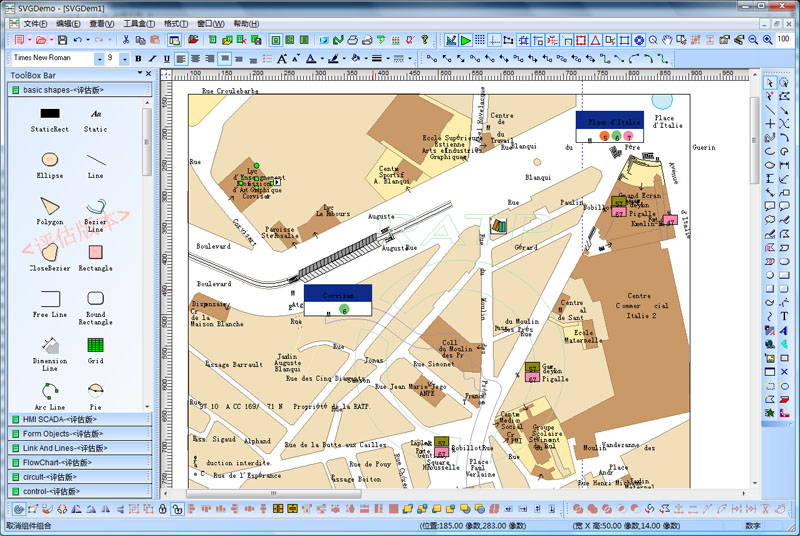
And it also supports SVG
Exporting.
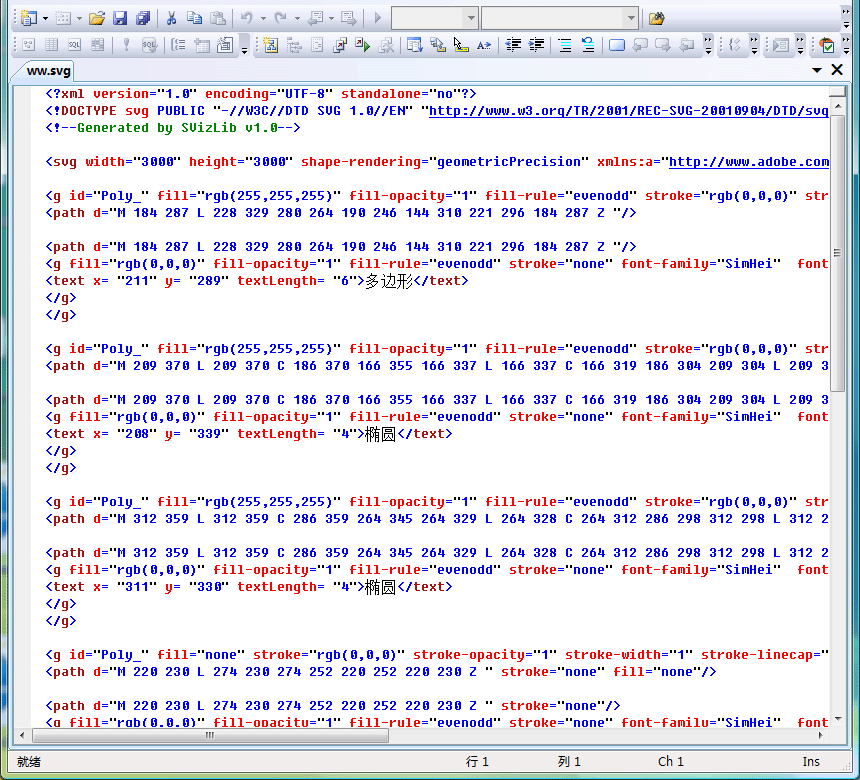
3). XML Saving And Loading:
E-XD++ supports XML Saving and
Loading.
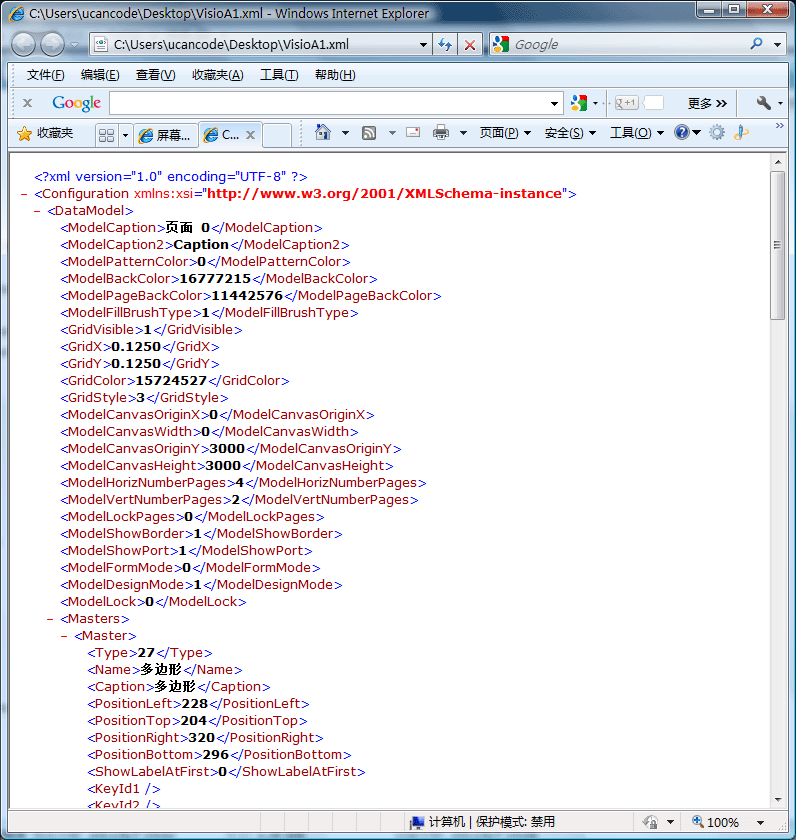
|






 E-XD++Visual
C++/ MFC Products
E-XD++Visual
C++/ MFC Products




