|
E-XD++ Enterprise Edition -- Product Information
|
|
|
|
10. Export to Specified File Formats
E-XD++ Visualization ToolKit lets users
export their diagrams to a variety of data formats such as
bitmaps, enhanced metafiles, and SVG format files. Diagrams can
be directly saved as bitmaps or rendered to an external graphics
device context to write out as an enhanced metafile image.
All properties and data of E-XD++ can be exported in specified file formats according to application requirements. By default, E-XD++ exports
canvas graphics to EMF file format or BMP file format. Our sample program
ExportHtml shows how to export to HTML file format, while sample Solution shows how to export data from E-XD++'s
canvas to database and load data from database in reverse.
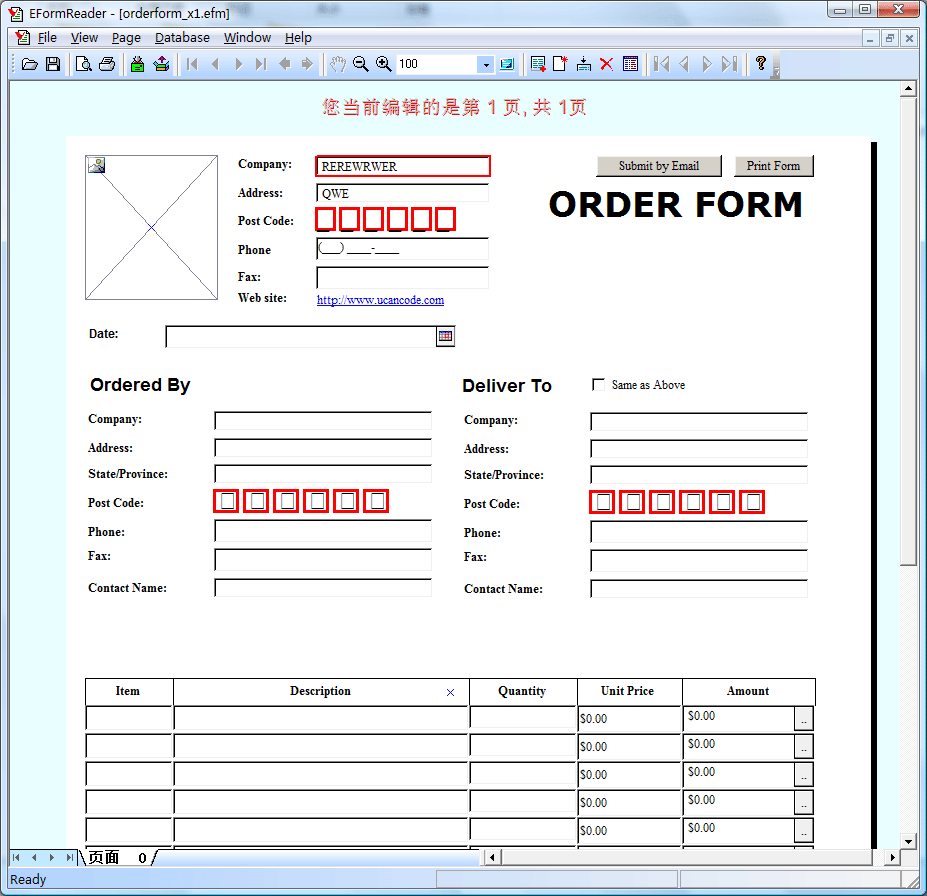
Shown as follows:
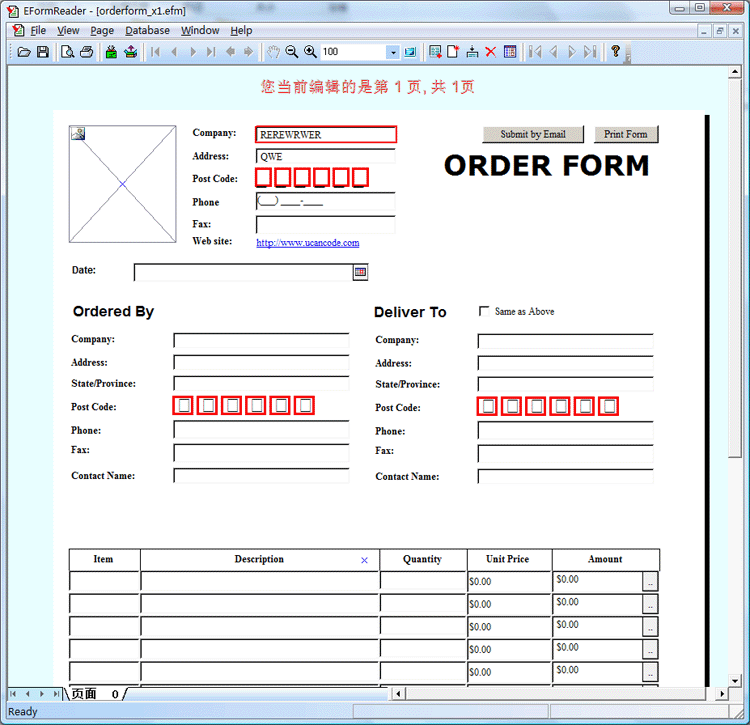
You can save specified data which belong to you simply by overwriting the following virtual function:
// File export.
virtual void DoExportFile();
Note: With TestXML
sample, it demos how to export the shapes on the canvas to XML
File and Import it again with XML File. With the latest edition
of E-XD++, it already support XML Saving and Loading.
|






 E-XD++Visual
C++/ MFC Products
E-XD++Visual
C++/ MFC Products